
Client-to-Chair Workflow
How to Turn an AI Tattoo Concept into a Print-Ready Thermal Stencil
Updated 21 de noviembre de 20265 min read
Save to PinterestWalk into any busy tattoo shop today and half of the reference photos on clients' phones were brainstormed with AI. Artists love decisive clients, yet dread receiving murky, over-rendered images packed with impossible 0.2 mm filigree and fake skin lighting.
When the concept generator and the thermal line engine share the same studio rules, both sides win: clients explore ideas freely, and artists receive clean, tattooable proportions ready for Spirit carbon paper.
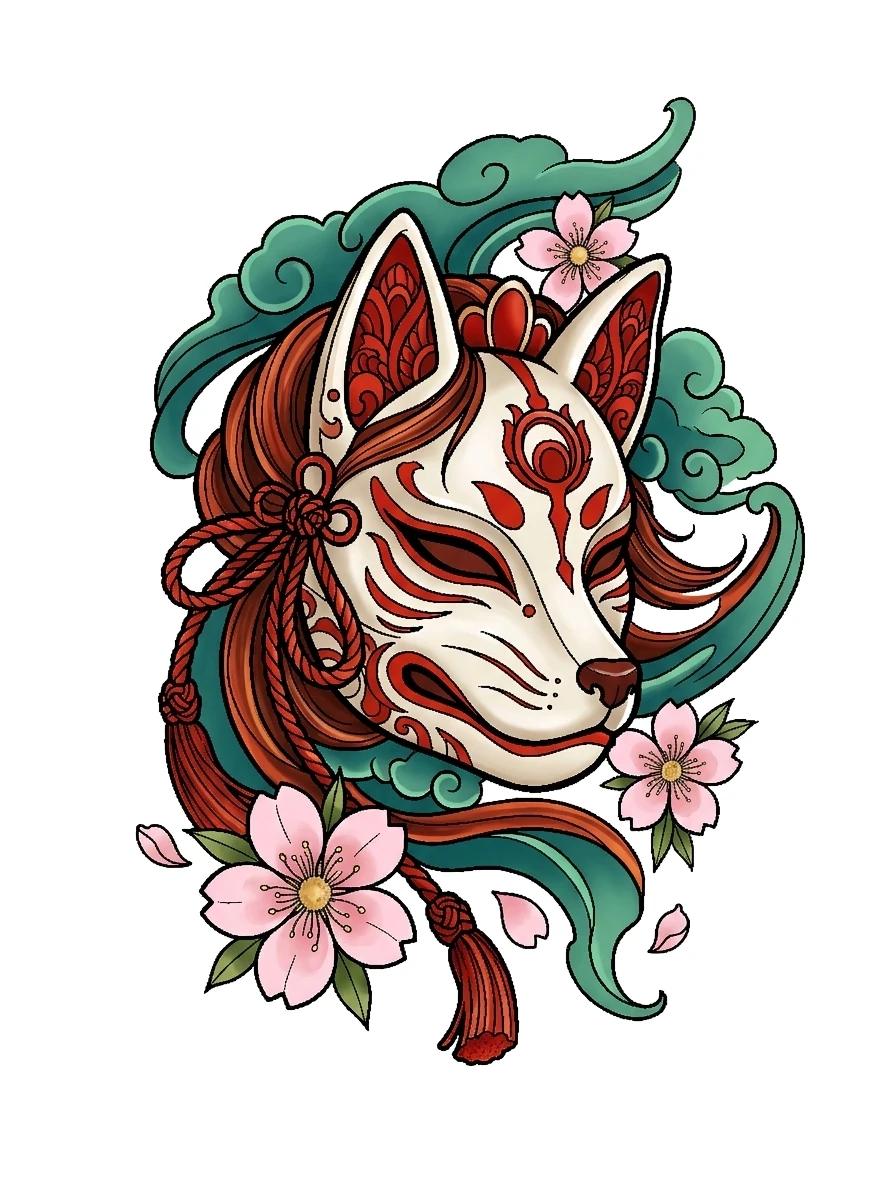
Studio Takeaway
Generic chatbots generate shaded 3D renders on dark textured backgrounds that clog thermal copiers. Generating isolated flash on a pure white canvas with deliberate negative space lets an artist pull Fine, Standard and Bold stencils in one click.
- Canvas background
- Pure #FFFFFF white
- Stencil bit depth
- 1-bit pure black & white
- Output line weights
- Fine, Standard & Bold
- Print calibration
- 50 mm verification bar
Why generic AI images frustrate tattoo artists
General image models optimize for dramatic cinema lighting, lens bokeh and hyper-dense textures. On skin, soft gradients cannot be transferred by thermal wax paper, which operates strictly in binary: either heat melts violet carbon onto the sheet or it leaves paper white.
TattooStencil's Custom AI Tattoo Studio prompts specifically for flat 2D studio flash isolated on pure white paper with clear contour hierarchy and breathable skin gaps.
The 4-step workflow from prompt to Spirit transfer sheet
1. Generate on white: Describe your subject, pick one of 13 authentic tattoo styles (such as Fine Line, Japanese Irezumi, Blackwork or American Traditional) and match the aspect ratio to your body zone.
2. Preview on your own skin: Send the concept into Try On Me with one tap to verify silhouette flow and test black, violet, crimson or custom HSV ink.
3. Pull all three line weights: Convert the artwork in the Stencil Maker to produce Fine, Standard and Bold 1-bit outlines simultaneously, then brush away any unwanted interior hatch marks with the Retouch eraser.
4. Export true-centimetre PDF or Studio Pass: Share the consultation brief with your artist or print 1:1 on A4 or Letter with multi-sheet sleeve tiling.
Common questions
Will a thermal printer accept PNGs from TattooStencil directly?
Yes. Every stencil export is pure black (#000000) on pure white (#FFFFFF) with zero greyscale haze, tuned for Brother PocketJet, Phomemo M08F and thermofax carbon copiers.
Can I upload an existing tattoo photo to plan a cover-up?
Yes. Attach a photo inside the Custom AI Tattoo Studio and toggle Cover-Up mode to compose denser central blackwork or floral mass over the old ink.
Client-to-Chair Workflow
Generate a tattooable concept and pull its stencil free
Start from a text idea in 13 tattoo styles, then convert straight to Fine, Standard and Bold thermal stencils.
More from the Tattoo Blog
All articlesArtist Workflow
Procreate Manual Tracing vs Neural Tattoo Stencil Makers: Studio Time and Line Weights
Honest studio comparison of hand-tracing stencils in Procreate versus neural 3-weight tattoo stencil makers for realism, portraits, sleeves and walk-ins.
Tattoo Longevity
Fine-Line vs Traditional Bold Tattoos After 10 Years: Line Spread, Spacing and Care
Compare how single-needle fine-line tattoos and bold traditional outlines age over 5 to 10 years, including macrophage spread, spacing rules and SPF care.
Trends & Flash
GTA 6 Tattoo Designs from Leonida, Vice City and Ambrosia: What Works on Real Skin
Explore original fan-inspired GTA 6 tattoo motifs from Vice City, Ambrosia bikers and Port Gellhorn, plus real-skin sizing and copyright-safe flash tips.